
Beaver Builder
Bread crumbs / Will Be / Placed / Here / When Available
Prebuilt Templates allow you to quickly design professional pages using ready-made layouts.
Overview
Prebuilt templates help you:
- Launch pages faster
- Maintain professional design standards
- Learn layout structure and best practices
- Quickly prototype new ideas
Important: Demo images included in prebuilt templates are not stored in your WordPress Media Library. Replace them with your own media before publishing.
Accessing Prebuilt Templates
To insert a prebuilt template:
- Launch Beaver Builder on your page or post.
- Launch AZITS Builder.
- Click the Plus (+) icon in the Top bar to open the Content panel.
- Select the Templates tab.
- Choose one of the available template groups:
- Landing Pages
- Content Pages
- Micro Pages
- Click a template to add it to your layout.
If Templates Are Not Visible
Prebuilt templates are enabled by default. If they do not appear:
- Go to WordPress Admin → Settings → Beaver Builder → Templates
- Ensure templates are enabled
Landing Page Templates
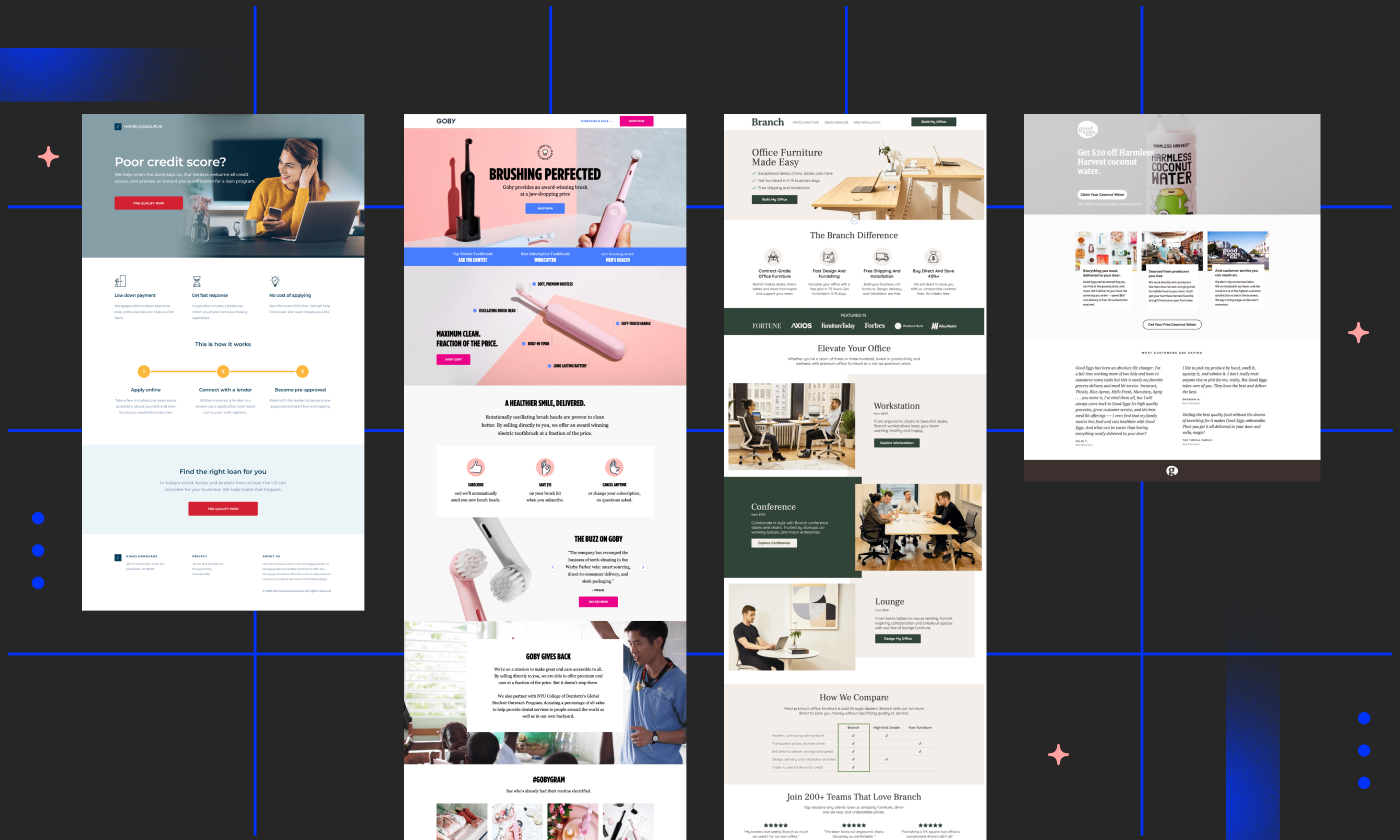
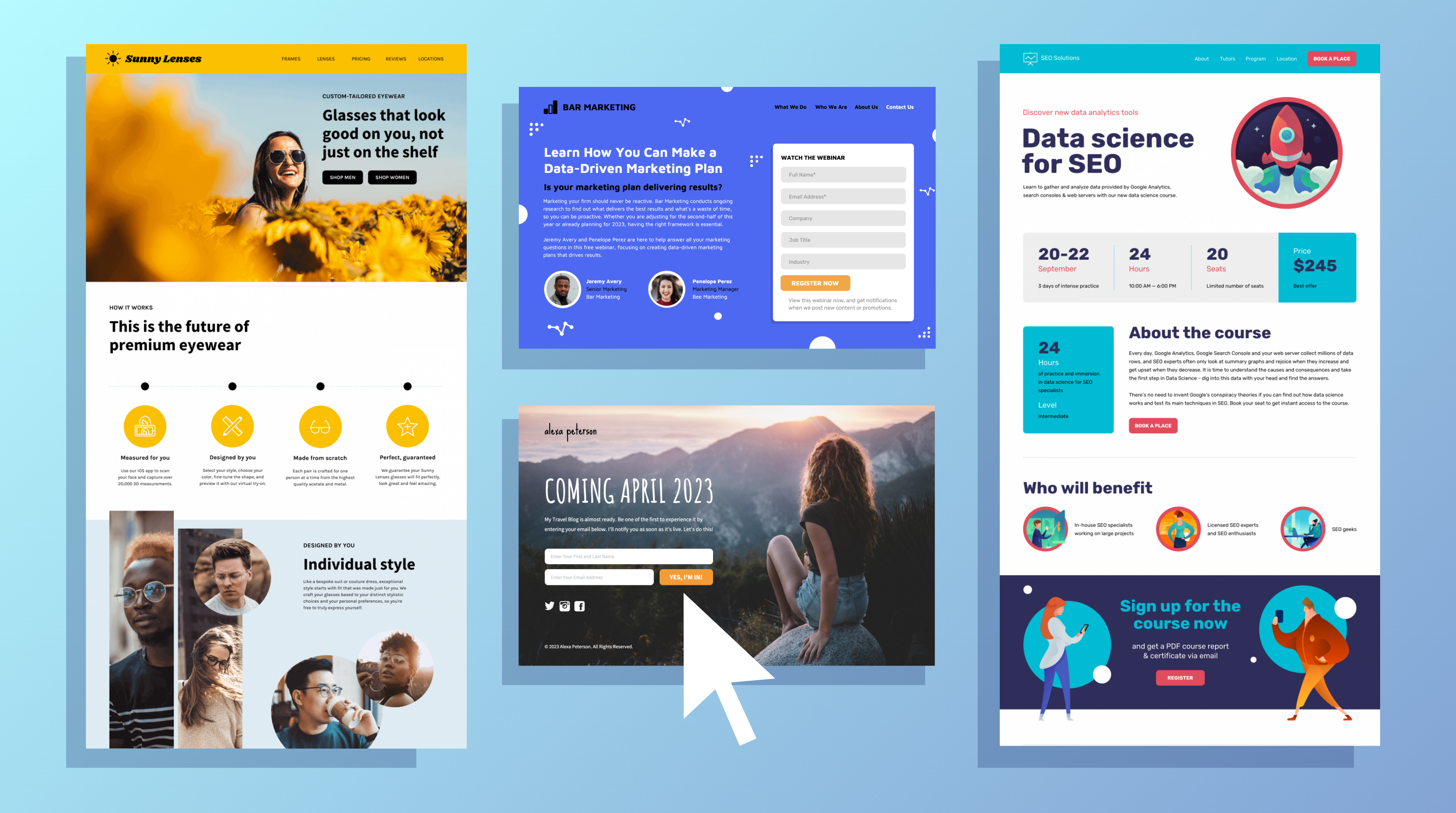

Landing Page Templates are designed for:
- Home pages
- Marketing campaigns
- Product launches
- Event promotions
- One-page websites
Blank Template
The Blank Template removes all existing content from your layout and provides a clean starting point.
Content Page Templates

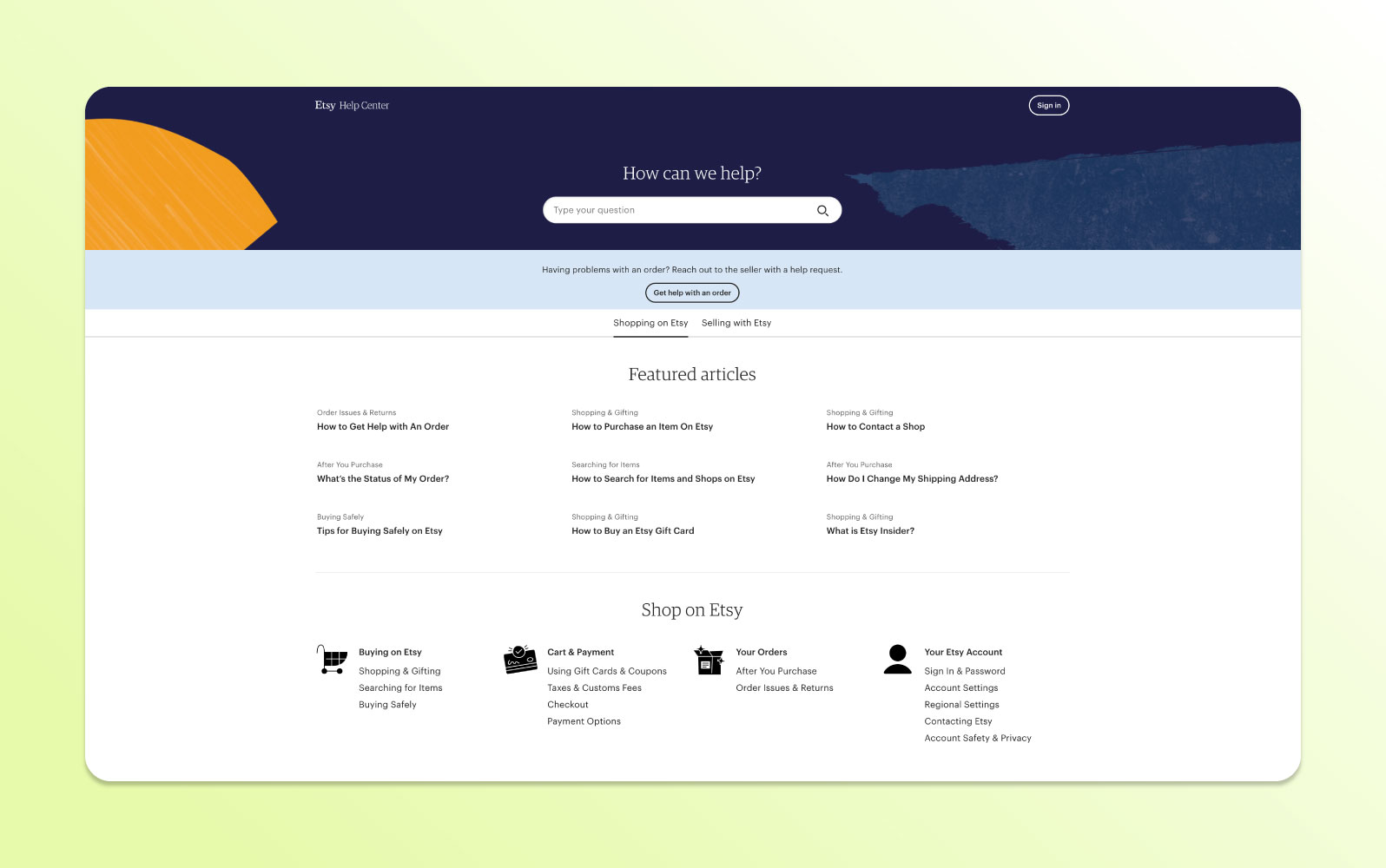
Content Page Templates focus on structured page types such as:
- Portfolio pages
- Contact pages
- FAQ pages
- Webinar registration pages
These templates are optimized for usability and clarity.
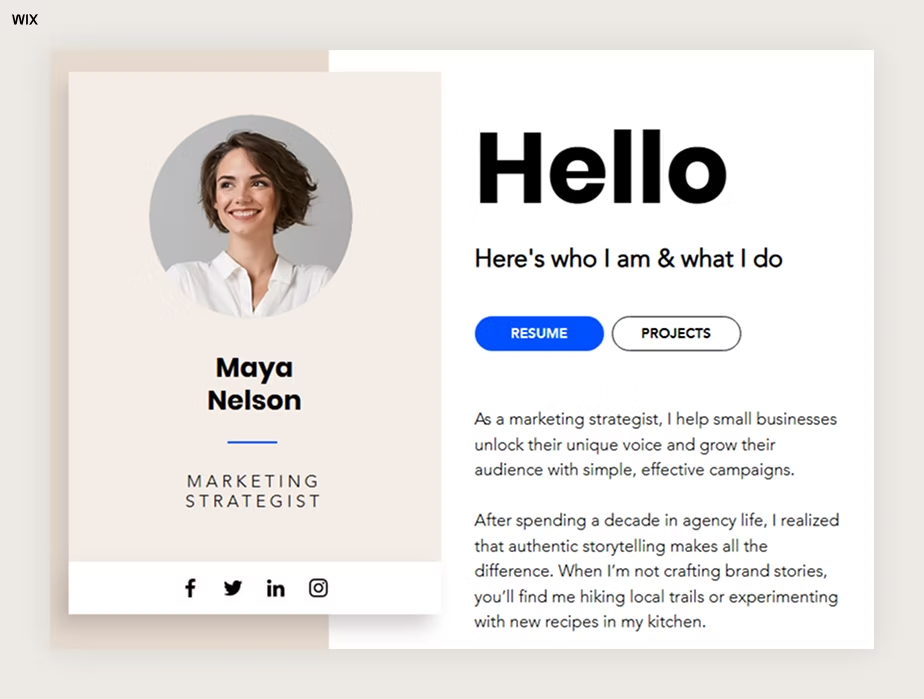
Micro Page Template
Micro Page Templates are streamlined layouts for:
- Personal bio pages
- Social media link hubs
- App promotion pages
- Podcast pages
- Coming soon / Maintenance pages